

EmmeD — Markdown Reader
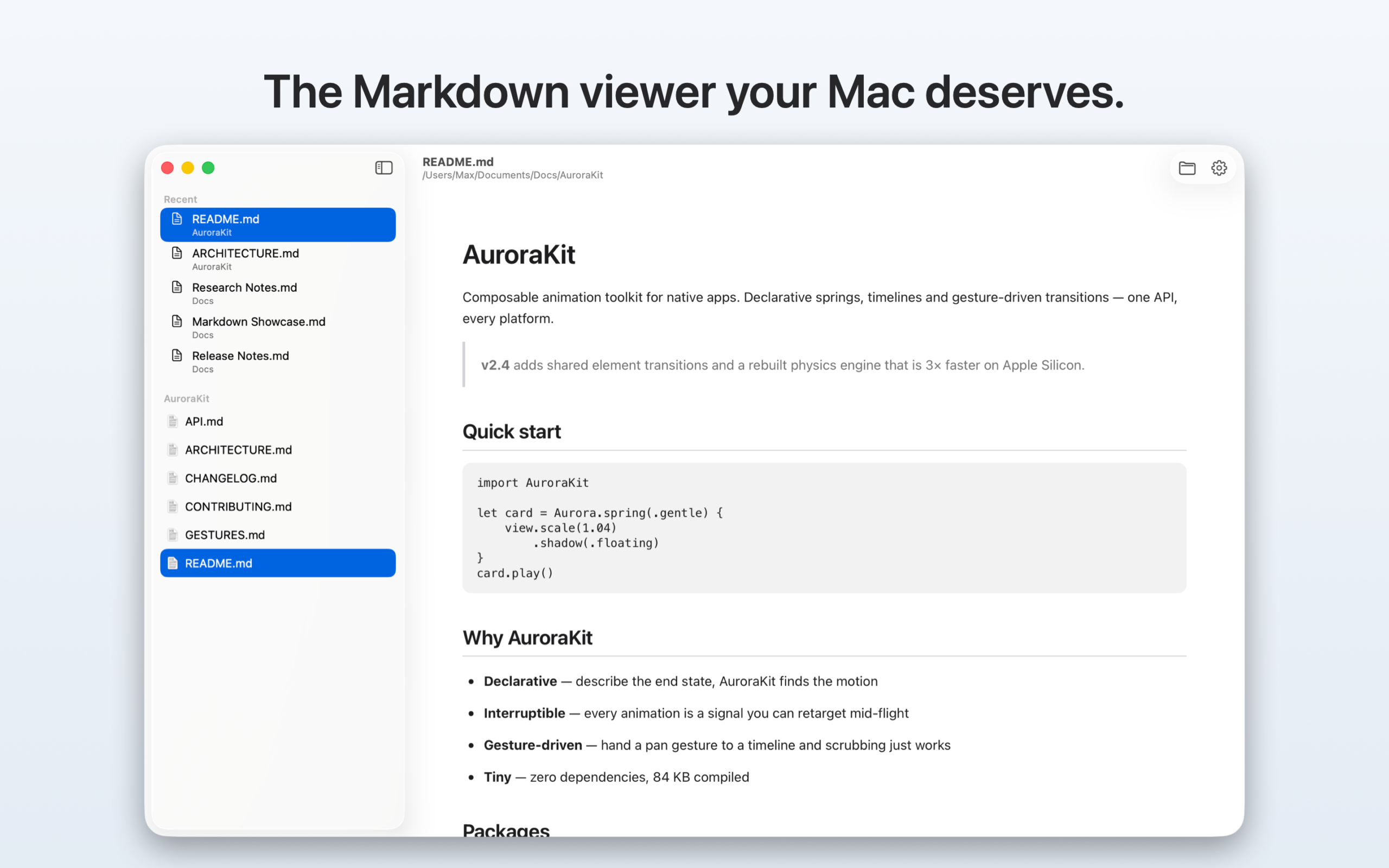
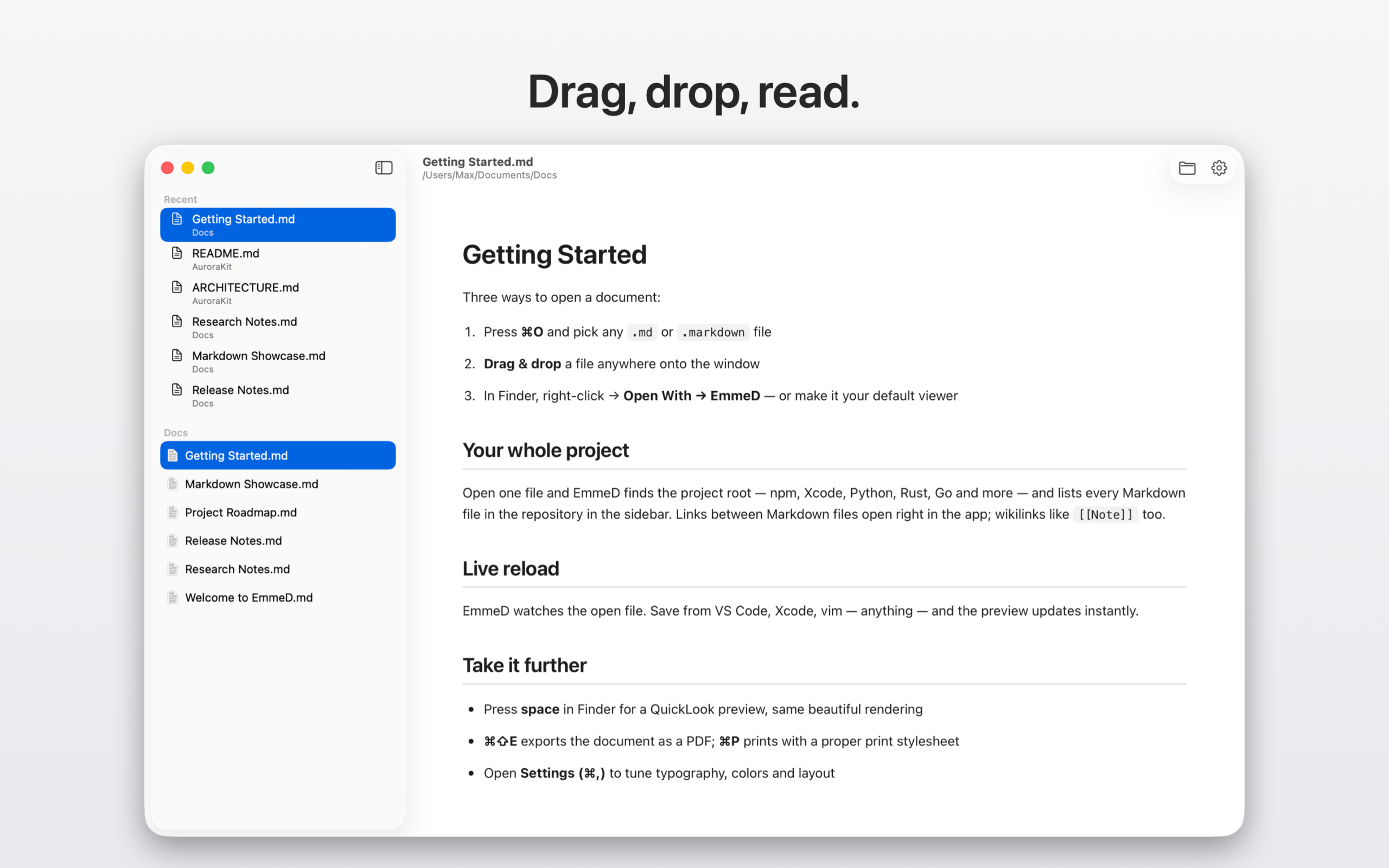
Double-click a Markdown file. Read it.
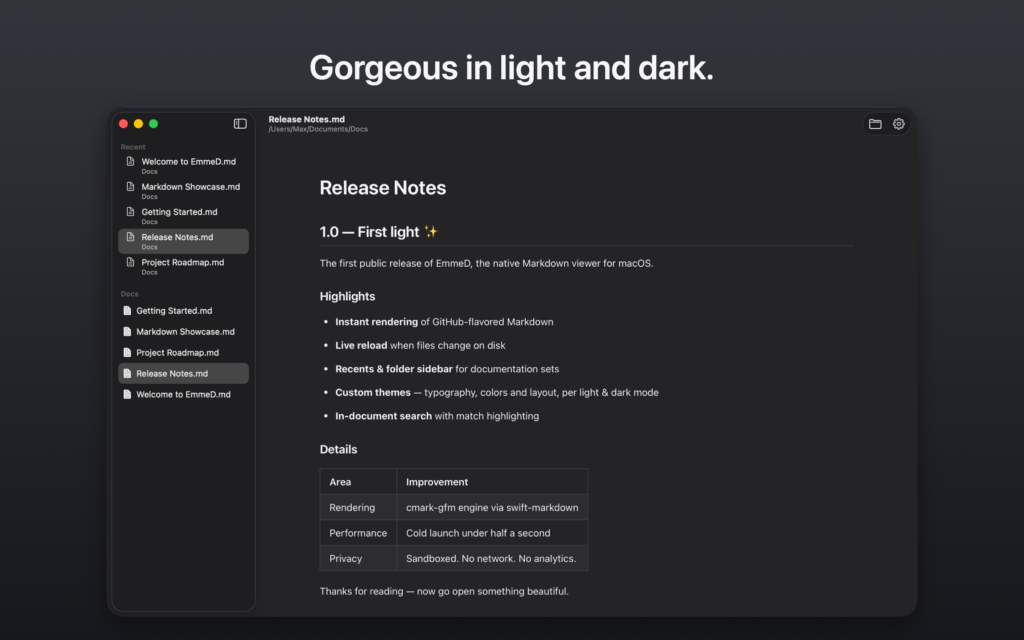
EmmeD is a Markdown reader for macOS — not an editor with a preview pane. Set it as your default .md handler and every Markdown file on your Mac opens as a typeset page.
macOS 14 or later
Reading more Markdown than code lately? Agent plans, generated specs, design docs — EmmeD is built for the read side of that loop.
EmmeD registers itself as the default handler for .md and .markdown. No setup, no read-mode toggle, no preview pane to find.
🗂️ Browse the whole project, not one file
Open a single .md and EmmeD finds the project root and lists every Markdown file in the repo, Finder-style. Clone something, read its docs.
⚡ It updates while you work
Live reload watches the open file. Your agent rewrites the plan, your editor saves the README — the page follows, scroll position intact.
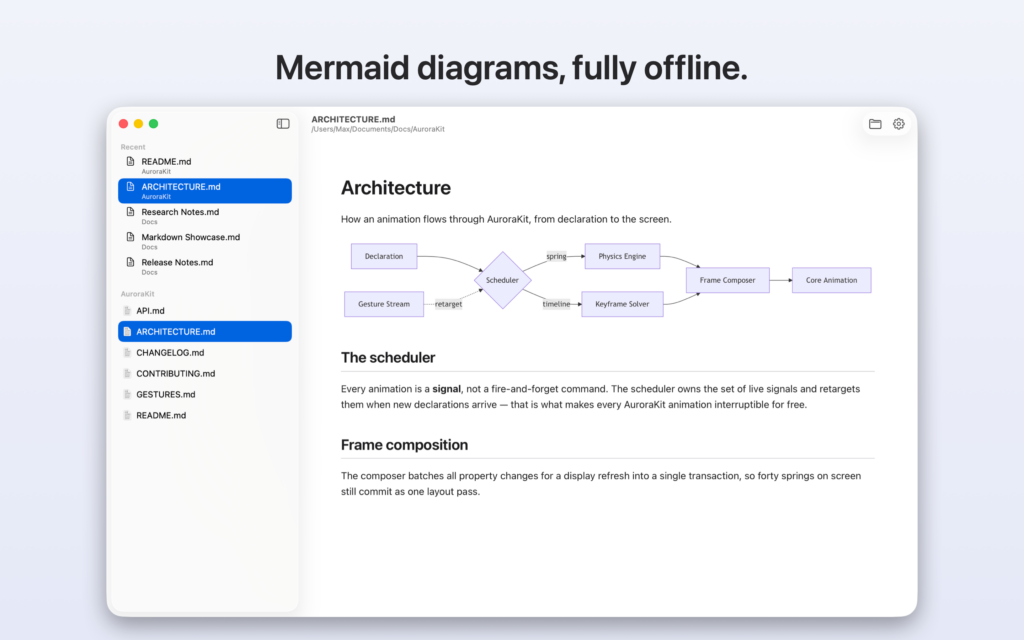
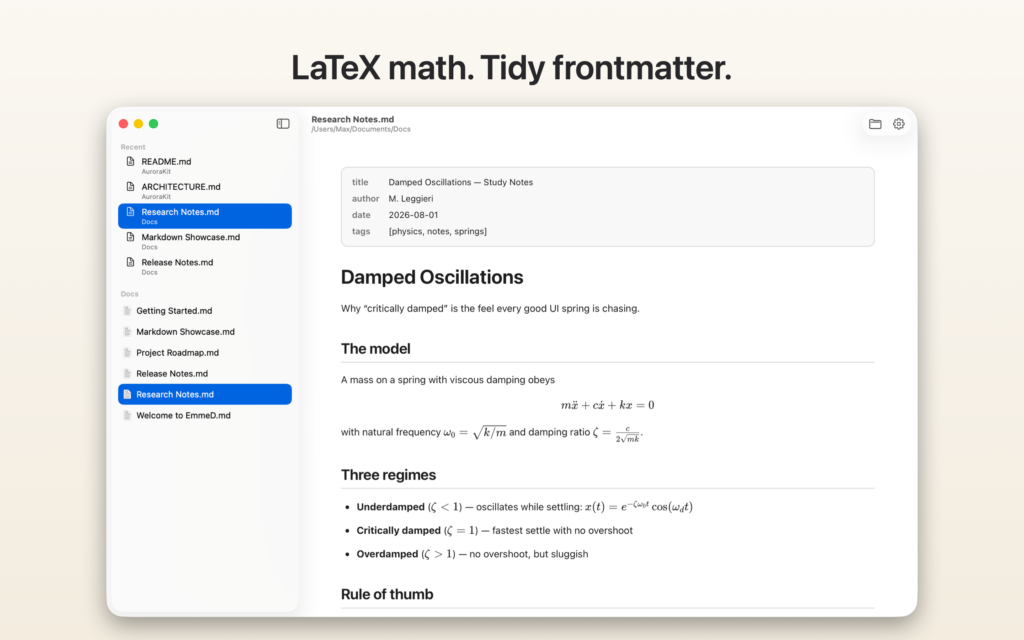
📐 Diagrams and math, offline
Mermaid and LaTeX render from bundled assets. No CDN, no network, no waiting.
🏷️ Frontmatter that looks like metadata
YAML frontmatter appears as a tidy bar instead of a giant heading of raw text.
👀 Spacebar works too
A QuickLook extension gives the same rendering straight from Finder.
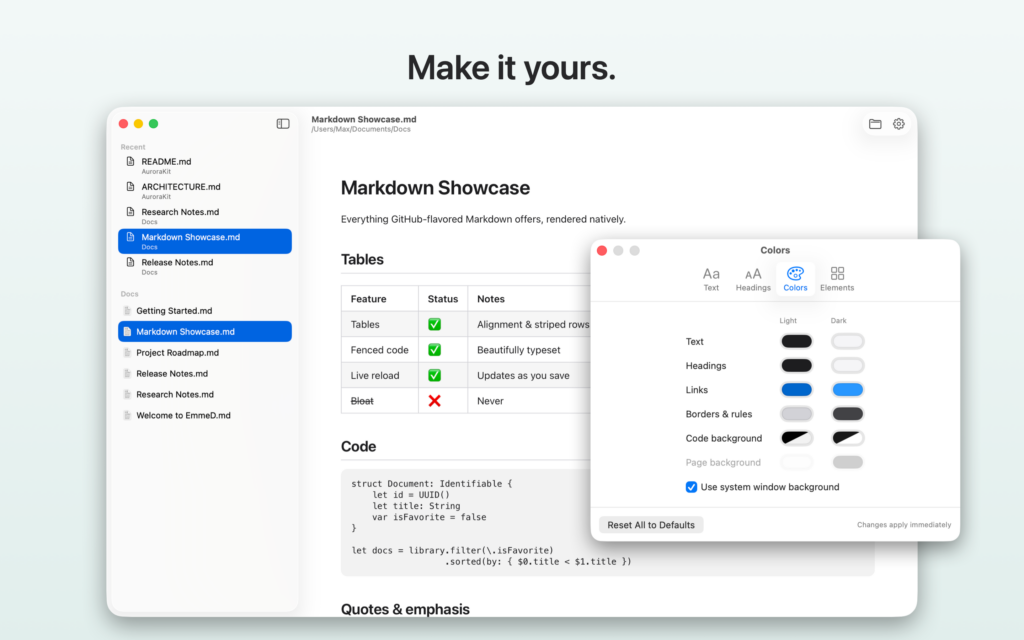
🎨 Yours to tune
Fonts, size, line height, measure, and independent light/dark colors for text, headings, links, and code. One click restores the defaults.
🔒 Private by construction
Sandboxed, no accounts, no analytics. Your documents never leave your Mac.
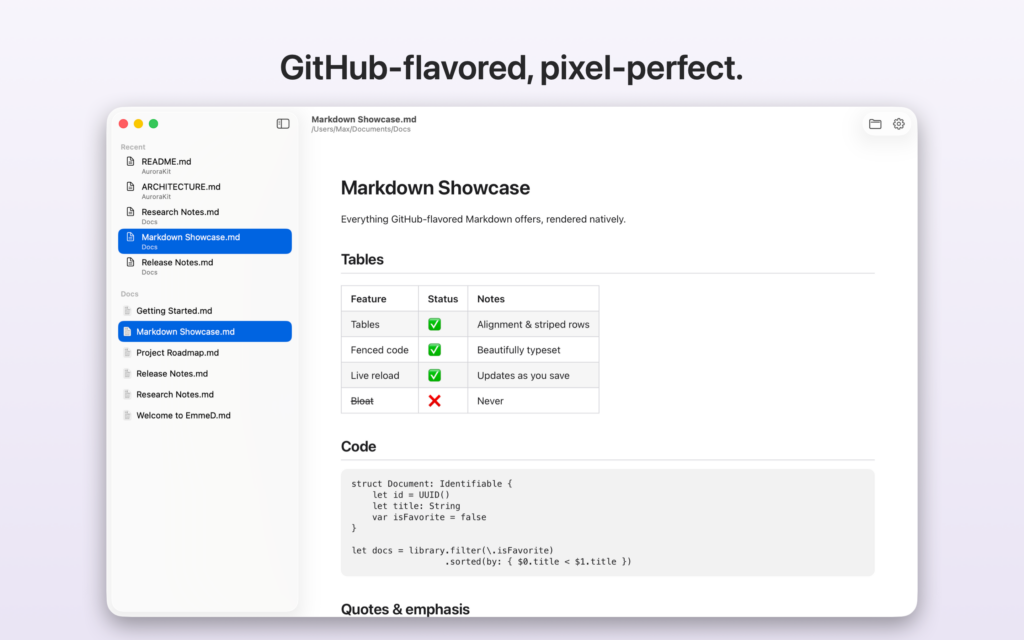
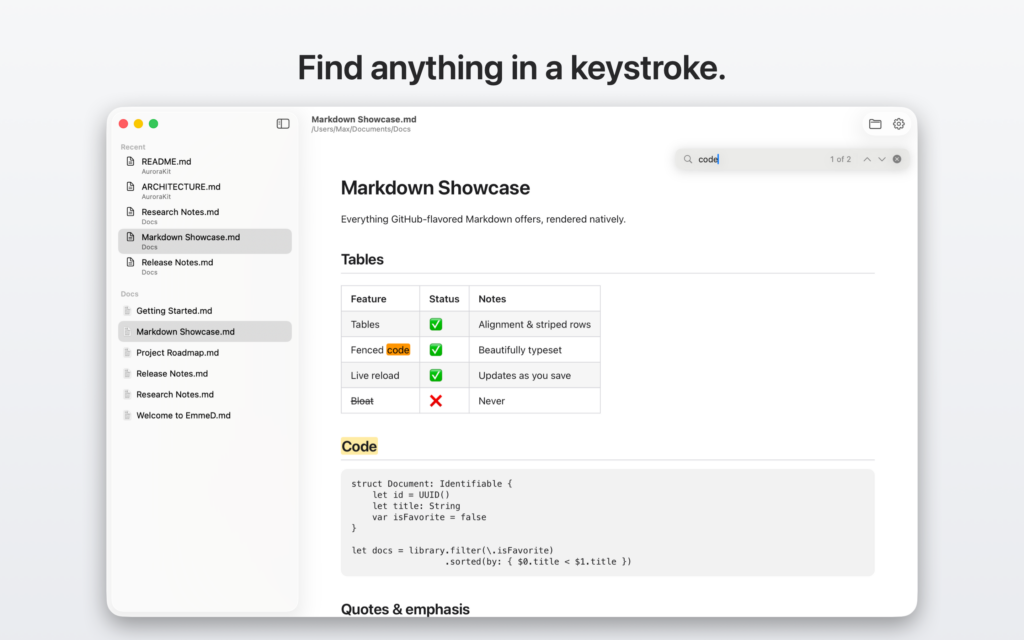
And the table stakes, of course: full GitHub-flavored Markdown — tables, task lists, fenced code blocks, strikethrough, blockquotes. Local images render where they belong; external links open in your browser; links to other .md files open in the app.
Support
Questions, bug reports, or feature requests? Write to dev@nimbusai.it and we’ll get back to you.
Privacy Policy · © 2026 NimbusAI